
Introduction
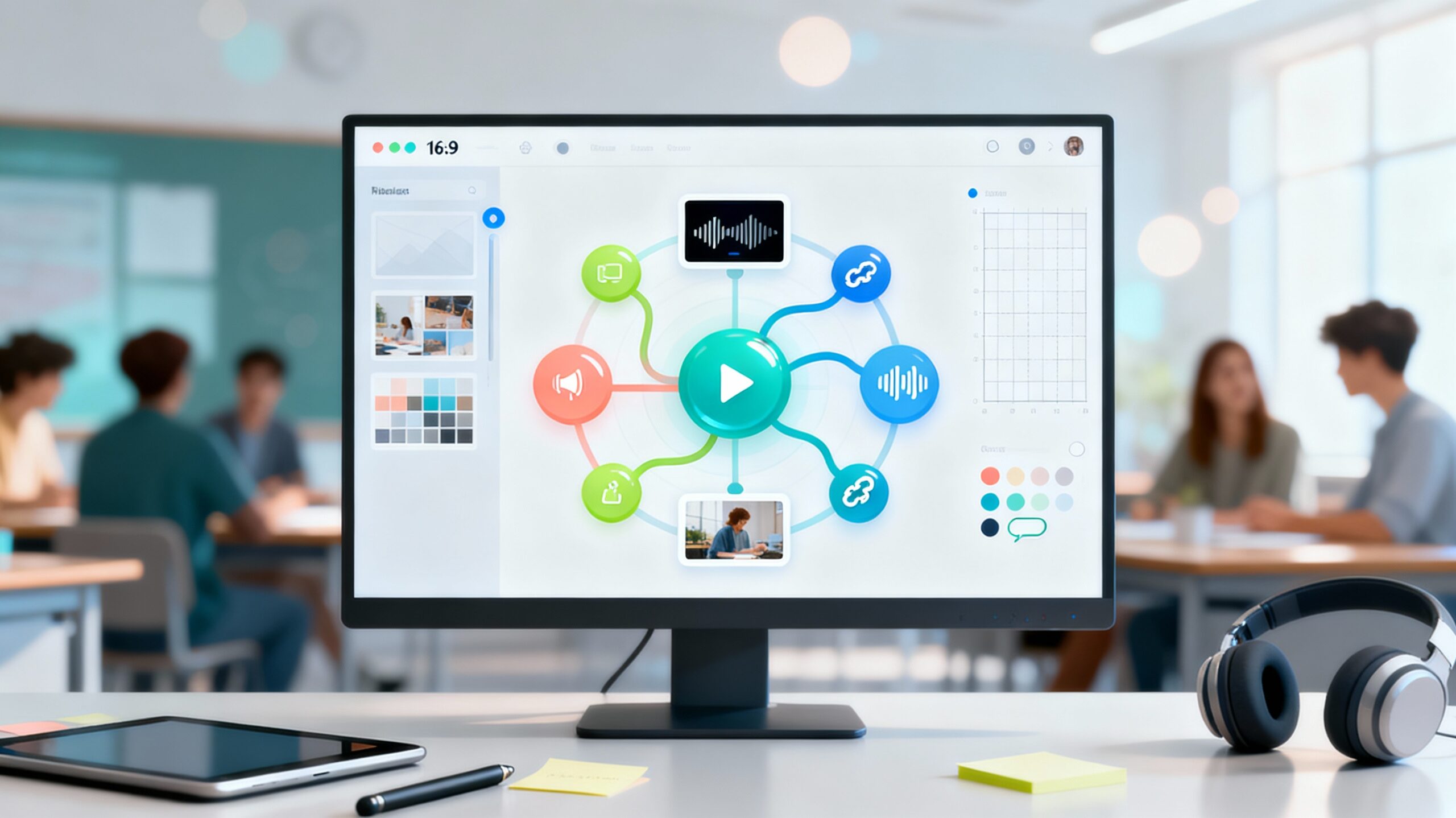
Mind maps turn scattered ideas into clear, connected learning. Now imagine those maps coming alive—with clickable links, embedded videos, and audio notes students can explore independently. Use Canva to Create an Interactive Mind Map, led by Stacey Shanklin-Langford and offered through SchoolDay Academy (powered by Coursera), shows educators how to build dynamic, multimedia mind maps that boost comprehension and student ownership.
In about two hours, you’ll design an interactive mind map students can navigate on their devices or you can project during instruction—perfect for unit launches, literature webs, lab processes, project planning, and review.
Why This Course Matters
Interactive mind maps do more than “look good”—they help students make meaning. By layering text, visuals, and multimedia, you create a hub where learners can connect concepts, revisit resources, and study independently.
In under two hours, you’ll learn how to:
- Set up a mind map workspace that scales from quick brainstorms to full unit maps.
- Apply design principles (color, contrast, hierarchy) so ideas stand out at a glance.
- Add interactive elements—links, video, audio—to turn maps into living study guides.
- Prepare your map for sharing and publication across LMS, slides, and print.
You’ll leave with a reusable template that saves prep time, supports differentiation, and keeps complex topics organized and accessible.
What You’ll Learn
This guided, side-by-side project uses Canva’s free desktop version and focuses on intermediate workflows for K–12 educators.
Step 1 – Set Up a Mind Map Workspace
Create structure, spacing, and a canvas that scales as your concept grows.
Step 2 – Incorporate Graphics, Color, and Text
Use icons, illustrations, and color coding to clarify categories and relationships.
Step 3 – Add Text and Subtopics
Build branches and sub-branches with consistent typography and visual hierarchy.
Step 4 – Arrange Elements for Clarity
Align and group elements so your map reads left-to-right (or radial) without clutter.
Step 5 – Add Interactive Elements
Embed web links, video, and audio to create an exploratory learning experience.
Step 6 – Prepare for Sharing & Publication
Export for presentation, print, or LMS—and share a clean, navigable version with students.
Course Details
- Time to Complete: ~2 hours (self-paced, hands-on)
- Format: Guided Project (desktop only; pre-configured cloud workspace; no downloads/installs)
- Certificate: Shareable upon completion
Real-World Impact for Educators
Use interactive mind maps to:
- Launch units with clickable overviews linking to readings, labs, or videos.
- Support note-taking and revision with multimedia “hotspots” students revisit anytime.
- Scaffold project-based learning (roles, timelines, resources in one place).
- Differentiate with branch-specific supports (sentence frames, exemplars, vocabulary audio).
You’ll be able to:
- Design student-facing maps that improve comprehension and independence.
- Build a reusable template library for courses and PLCs.
- Share professional, visually consistent maps across your LMS, slides, and print.
Why SchoolDay Academy Recommends This Course
At SchoolDay Academy, we champion practical PD that drives engagement and saves time. Use Canva to Create an Interactive Mind Map stands out because it:
- Builds visual literacy + instructional design in one focused project.
- Turns mind maps into interactive learning hubs students actually use.
- Fits busy schedules—complete in ~2 hours with immediate classroom payoff.
- Is included in the SchoolDay Academy annual subscription—just $149 per user, with unlimited access to hundreds of curated K–12 and higher-ed courses and certificates.
- Offers district and university bulk pricing as low as $100 per user, making scalable PD accessible across teams.
Conclusion
If you’re ready to move beyond static brainstorms and create interactive maps that help students connect, explore, and remember, this guided project is for you.
Start learning “Use Canva to Create an Interactive Mind Map” today on SchoolDay Academy (powered by Coursera) and bring clickable, multimedia concept mapping into your classroom.