
Introduction: Unlock Canva’s Hidden Superpowers for Teachers
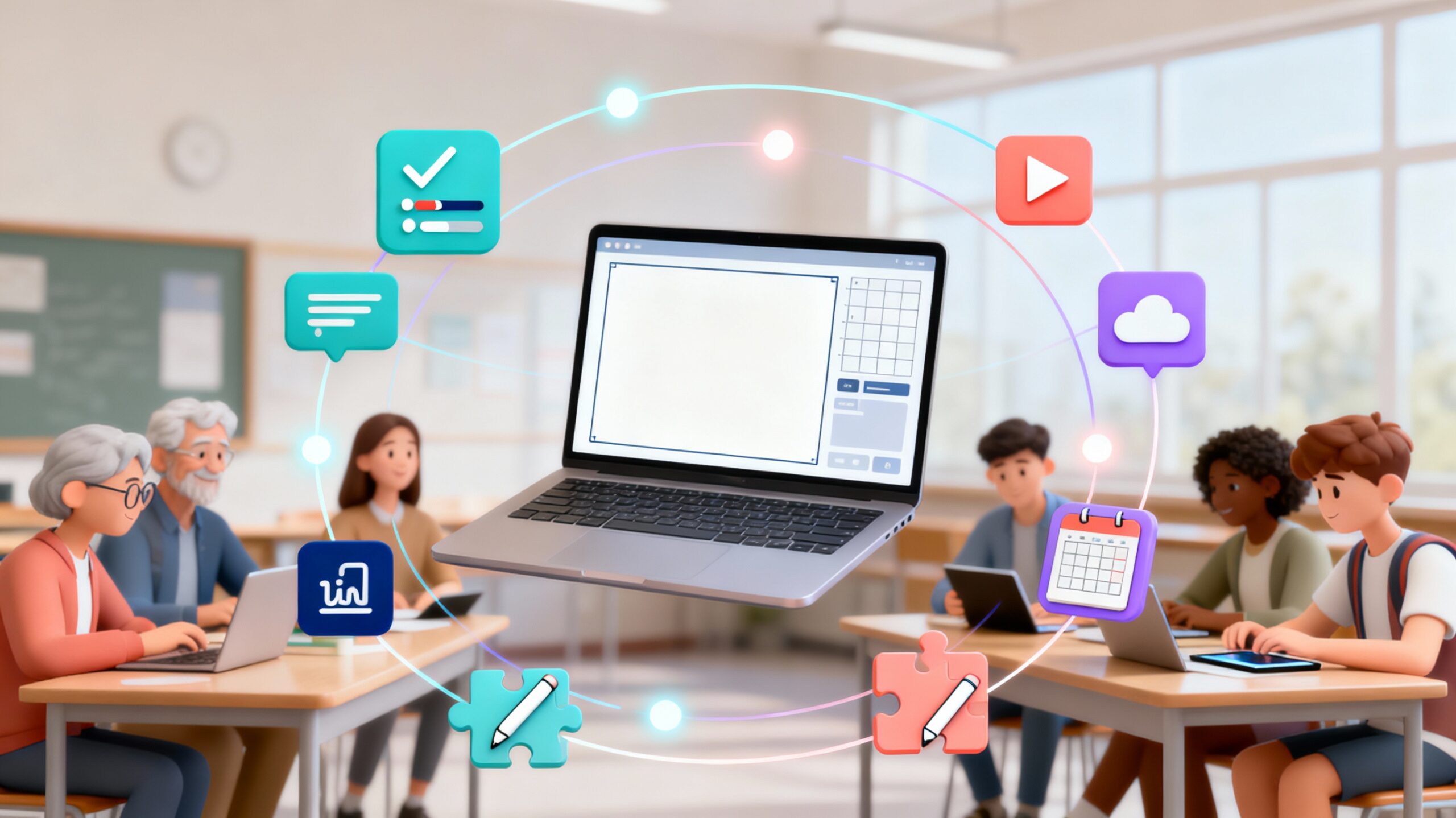
What if your favorite classroom tools—YouTube, Google Maps, Giphy, and more—could live inside Canva, ready to enhance every lesson, project, or presentation you create? That’s exactly what you’ll discover in How to Integrate Apps on Canva, led by Sara Nefzaoui and offered through SchoolDay Academy (powered by Coursera).
This beginner-friendly Guided Project reveals Canva’s secret advantage: an entire library of built-in apps that let you create, connect, and publish without leaving the platform. Imagine designing an interactive poster that links to a YouTube tutorial, or embedding a Google Map inside a class infographic—all within minutes.
In just two hours, you’ll learn how to explore Canva’s free app integrations, add dynamic media, and publish your creations with confidence. It’s the perfect course for teachers who love Canva but want to unlock its full power to create richer, more interactive learning experiences.
Why This Course Matters: Canva Apps That Transform Teaching
Every teacher knows Canva is great for design—but few realize it can also be an interactive classroom hub. Canva’s built-in apps make your visuals come alive with videos, maps, animations, and interactive content that engage today’s digital learners.
This Guided Project helps you:
- Integrate popular apps like YouTube, Giphy, Google Maps, and QR Code tools directly into your Canva projects.
- Import, edit, and share content seamlessly without switching between platforms.
- Use Canva’s free features to design interactive lessons, classroom posters, and digital newsletters that students love.
- Save time by keeping creation, editing, and publishing in one place.
With Canva apps, your lessons don’t just look better—they become immersive, visual experiences students remember.
What You’ll Learn in This Canva Apps Course
Follow along step-by-step with expert instructor Sara Nefzaoui as you:
- Explore Canva’s built-in apps and discover what each can do.
- Use media import tools to pull videos, images, and maps directly into designs.
- Integrate external content into posters, presentations, or lesson visuals.
- Edit images and videos using Canva’s creative app suite.
- Publish and share your designs using Canva’s built-in content-sharing apps.
No graphic design experience needed—just curiosity and a Canva account. This Guided Project is ideal for teachers ready to bring interactivity and digital creativity into their classrooms.
Course Details
- Time to Complete: ~2 hours (self-paced, hands-on)
- Format: Guided Project (desktop only; pre-configured workspace; no downloads required)
- Certificate: Shareable upon completion
- Language: English
- Level: Beginner (no design experience required)
- Instructor: Sara Nefzaoui • Coursera Project Network
Real-World Impact for Teachers
After completing this project, you’ll know how to transform Canva from a design tool into a teaching powerhouse. You’ll be able to:
- Create interactive posters, lessons, and student projects enriched with multimedia.
- Save planning time with integrated design and publishing tools.
- Encourage students to use Canva apps for collaborative projects and presentations.
- Design professional-quality visuals for newsletters, flyers, or school events.
For another creativity-focused course, explore Design Infographics with Prezi, also offered through SchoolDay Academy (powered by Coursera)—a perfect follow-up for teachers expanding their digital storytelling toolkit.
Why SchoolDay Academy Recommends This Course
At SchoolDay Academy, we know teachers are constantly searching for new ways to engage students while saving time. How to Integrate Apps on Canva delivers exactly that—easy, interactive, and classroom-ready design skills in under two hours.
This project stands out because it:
- Unlocks Canva’s hidden integrations for seamless multimedia teaching.
- Builds creative digital communication skills every educator can use.
- Requires no prior design experience—just an internet connection and curiosity.
- Awards a shareable certificate for your professional portfolio.
- Is part of the SchoolDay Academy annual subscription—$149 per user per year, with district pricing as low as $100 for scalable professional development.
It’s short, practical PD that gives teachers more creative freedom and makes every lesson more dynamic and interactive.
Conclusion
If you’re ready to take your Canva skills from static to interactive and design visuals that truly connect with students, this Guided Project is your next step.
Start learning “How to Integrate Apps on Canva” today on SchoolDay Academy (powered by Coursera) and bring videos, maps, animations, and creativity to every lesson you teach.