
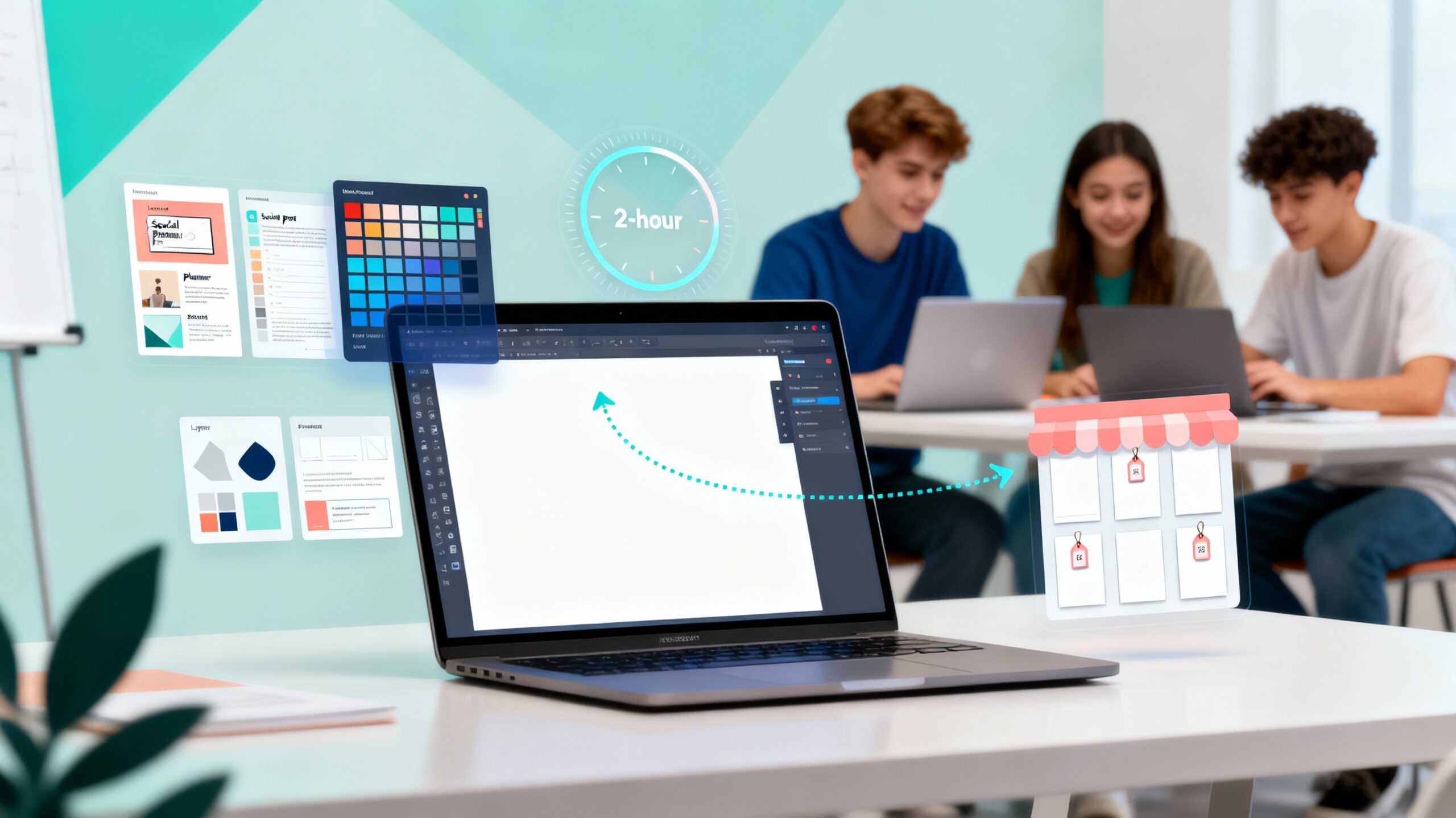
Introduction: Turn Your Creativity into Professional Canva Products
What if your classroom templates, journals, or lesson guides could become professional digital products—ready to share or even sell online? That’s the power of Canva, and it’s exactly what you’ll unlock in Create and Design Digital Products using Canva, led by Stacey Shanklin-Langford and offered through SchoolDay Academy (powered by Coursera).
This advanced, hands-on Guided Project helps you transform your ideas into beautifully branded workbooks, journals, and ebook covers. You’ll learn how to apply professional digital design principles, create reusable Canva templates, and protect your intellectual property before sharing or selling your work.
In just two hours, you’ll build a complete digital product pack—perfect for classroom use, school resource sharing, or online marketplaces.
Why Digital Product Design Matters for Teachers and Creators
Educators already create valuable classroom materials—this course helps you turn them into professional-grade digital assets that showcase your creativity and save you time. Whether for your school, your students, or your side business, Canva’s intuitive tools make it easy to design and publish like a pro.
You’ll learn how to:
- Apply layout and color theory to create visually balanced resources.
- Build digital templates that you can reuse across lessons or sell online.
- Protect your designs with watermarks and simple IP safeguards.
- Export and publish sellable digital products that look brand-ready.
More than 80% of teachers report using Canva to create classroom visuals—this course takes that skill to the next level by teaching you to create polished digital products for real-world impact.
What You’ll Learn in This Canva Digital Product Course
Follow along step-by-step with Canva expert Stacey Shanklin-Langford as you:
- Create workbook templates with structured layouts and design consistency.
- Design ebook covers using professional composition and branding techniques.
- Develop journal pages that are clean, customizable, and reusable.
- Protect your designs through watermarking and basic IP strategy.
- Prepare and export products for online sale or classroom sharing.
This is an advanced-level project designed for educators who already know Canva basics and want to expand into digital product design and e-commerce readiness.
Course Details
- Time to Complete: ~2 hours (self-paced, hands-on)
- Format: Guided Project (desktop only; no downloads required)
- Certificate: Shareable upon completion
- Language: English
- Level: Advanced (Canva experience recommended)
- Instructor: Stacey Shanklin-Langford • Coursera Project Network
- Regional Note: Best experience for learners in North America
Real-World Impact for Teachers & Creative Professionals
This Guided Project gives you practical skills you can apply immediately:
- Build classroom workbooks, reflection journals, or student planners with design confidence.
- Create Canva templates for consistent branding across departments or programs.
- Design and sell digital resources on marketplaces like Teachers Pay Teachers or Etsy.
- Protect your work while establishing a personal creative portfolio.
For another creativity-focused course, explore Professional Presentations: Canva AI Magic Studio, also offered through SchoolDay Academy (powered by Coursera)—a perfect next step for teachers expanding their digital design skills.
Why SchoolDay Academy Recommends This Course
At SchoolDay Academy, we believe PD should be both practical and empowering. Create and Design Digital Products using Canva combines creativity, business savvy, and technology—all in a hands-on, two-hour format.
This project stands out because it:
- Builds advanced Canva design skills for digital product creation.
- Teaches time-saving workflows and brand-ready design techniques.
- Requires no expensive tools—just creativity and a computer.
- Offers a shareable certificate to showcase your professional growth.
- Is included in the SchoolDay Academy annual subscription—$149 per user per year, with district pricing as low as $100 for teams.
It’s the kind of professional learning that strengthens your design confidence, boosts your income potential, and helps you lead creative change in your classroom or school.
Conclusion
If you’re ready to take your Canva skills to the next level and create digital products that look professional, sell easily, and showcase your creativity, this course is your blueprint.
Start learning “Create and Design Digital Products using Canva” today on SchoolDay Academy (powered by Coursera) and turn your design ideas into polished, profitable resources.