
Introduction: Plan Like a Creator, Teach Like a Storyteller
In a world where AI can generate slides in seconds, what truly stands out is the human story behind the lesson. That’s where storyboarding comes in—and why Create a Storyboard using Canva, led by Stacey Shanklin-Langford and offered through SchoolDay Academy (powered by Coursera), is such a game-changer for teachers.
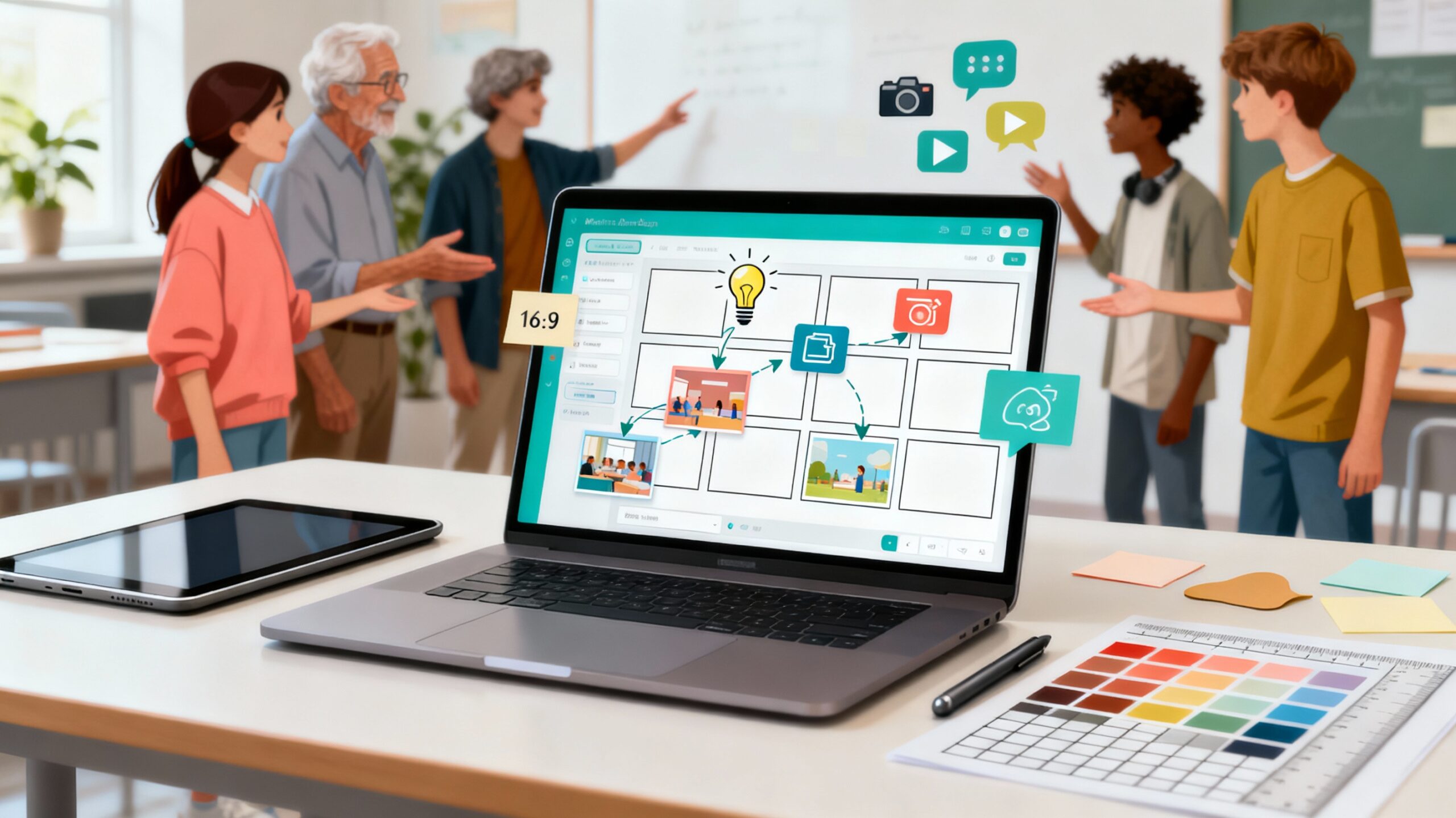
This Guided Project isn’t about letting technology do the thinking for you—it’s about using Canva’s creative tools to organize your ideas, plan visually, and teach through story. Whether you’re preparing a lesson video, mapping a student film project, or designing a multimedia presentation, storyboarding helps you bring structure, purpose, and imagination to every step.
In just two hours, you’ll learn how to design your own storyboard template in Canva—one that lets you see the flow of your lesson, feel the pacing of your story, and plan visuals that draw students in. It’s creative planning, not content automation—and that’s exactly why it works.
Why This Course Matters: Build Storytelling, Not Just Slides
AI can generate content—but it can’t teach empathy, tone, or emotion. Storyboarding gives teachers and students the creative framework to shape ideas into meaningful learning experiences.
This Guided Project helps you:
- Transform abstract lesson ideas into visual narratives that engage attention.
- Plan videos, presentations, and projects with a clear beginning, middle, and end.
- Strengthen student engagement by helping them “see” how a story unfolds.
- Teach visual literacy—an essential 21st-century communication skill.
- Model creative planning that students can use for media, writing, or STEM projects.
Storyboarding is how great teachers think like directors—every image, quote, and moment has a purpose.
What You’ll Learn in “Create a Storyboard using Canva”
Through hands-on, guided instruction, you’ll:
- Design a reusable storyboard template in Canva to plan visual projects.
- Use Canva’s graphic design tools to create headers, frames, and visuals.
- Pair scriptwriting and design to align narration, dialogue, and scenes.
- Add images and notes that capture tone, timing, and flow.
- Organize complete storyboards for lessons, media projects, or school storytelling initiatives.
This intermediate course is perfect for teachers comfortable with Canva basics who want to bring storytelling structure to their teaching and student projects.
Course Details
- Time to Complete: ~2 hours (self-paced, hands-on)
- Format: Guided Project (desktop only; pre-configured workspace; no downloads required)
- Certificate: Shareable upon completion
- Language: English
- Level: Intermediate (Canva experience recommended)
- Instructor: Stacey Shanklin-Langford • Coursera Project Network
- Regional Note: Best experience for learners in North America
Real-World Impact for Teachers
By the end of this project, you’ll have a professional storyboard template you can use for:
- Planning lesson videos, flipped-classroom modules, or podcast episodes.
- Guiding student video or animation projects with a strong visual structure.
- Supporting cross-curricular creativity in writing, STEM, or media arts.
- Collaborating with teams on school marketing, event, or storytelling initiatives.
Storyboarding doesn’t replace creativity—it amplifies it. It helps teachers think visually, students think sequentially, and everyone communicate more effectively.
And when you’re ready to keep building your creative skill set, explore other SDA Guided Projects like Professional Presentations: Canva AI Magic Studio, Build a Professional Resume using Canva, Create Engaging Presentations with Mentimeter, Design Infographics with Prezi, or How to Integrate Apps on Canva—each crafted to help educators blend technology and creativity in ways that feel natural and inspiring.
Why SchoolDay Academy Recommends This Course
At SchoolDay Academy, we know that true innovation doesn’t come from shortcuts—it comes from clarity and creativity. Create a Storyboard using Canva gives teachers a toolset to plan intentionally, design visually, and teach stories that connect.
This project stands out because it:
- Bridges narrative thinking and visual design—skills AI can’t replace.
- Builds teacher creativity and student media literacy simultaneously.
- Works with Canva’s free version, accessible to all educators.
- Provides a shareable certificate that documents real professional growth.
- Is included in the SchoolDay Academy annual subscription—$149 per user per year, with district pricing as low as $100 for scalable PD.
It’s professional development that reignites the art of teaching—one storyboard at a time.
Conclusion
If you’re ready to plan lessons, projects, or media in a way that engages eyes, minds, and imaginations, this is your next step.
Start learning “Create a Storyboard using Canva” today on SchoolDay Academy (powered by Coursera) and discover how to turn ideas into visual stories that inspire your students to think, create, and connect.