
Introduction
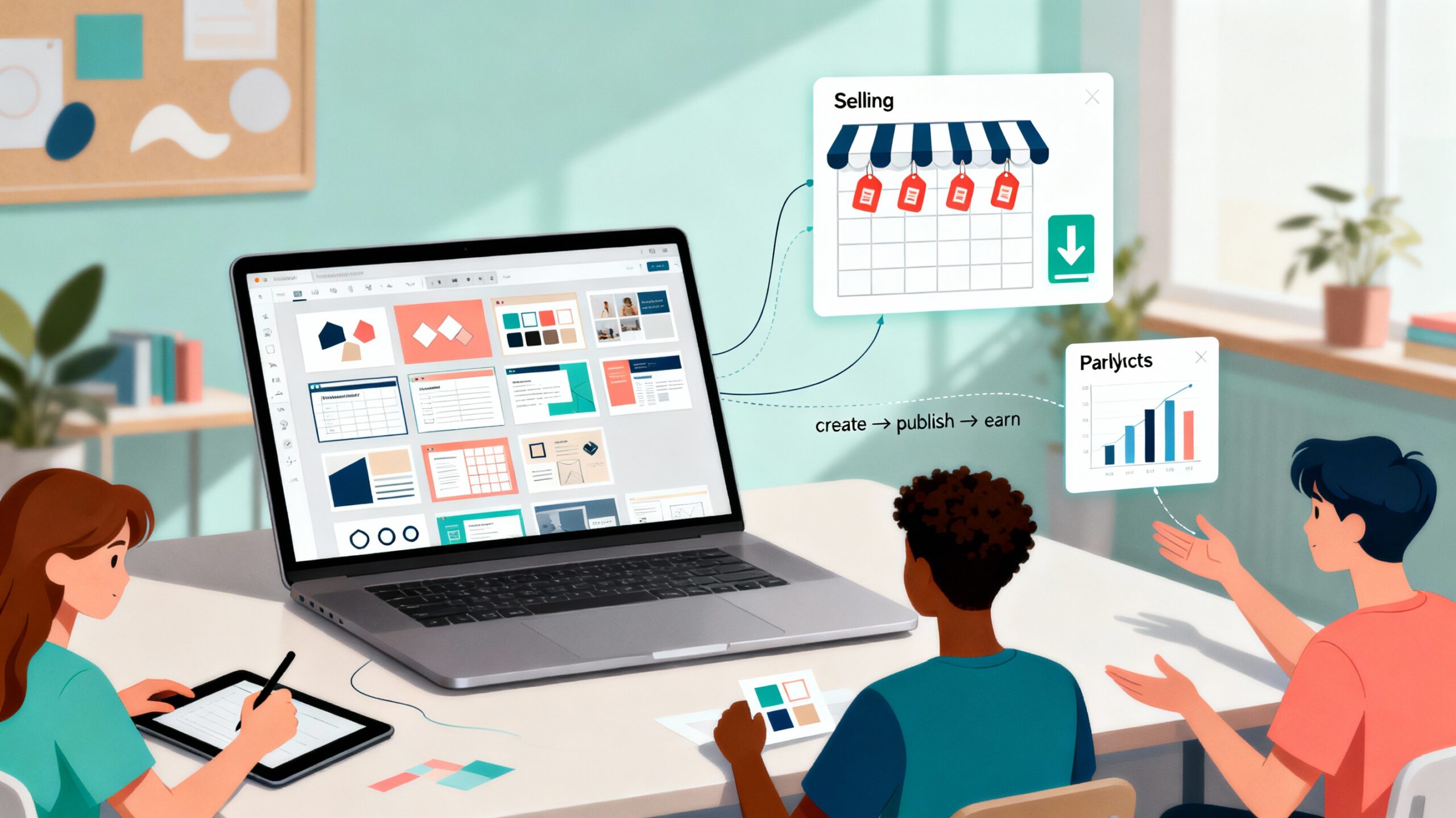
Imagine turning the classroom materials or Canva designs you already create into an extra source of income. How to Create and Sell Templates on Canva, led by Monica I. Heredia Rodríguez and offered through SchoolDay Academy (powered by Coursera), shows you how to transform your design skills into a side business—without complicated software or marketing degrees.
In just two hours, you’ll learn how to design templates people want to buy, understand Canva’s licensing rules, and publish your work professionally. Whether you’re looking to earn passive income, build a creative portfolio, or simply free up time to spend with family, this guided project helps you use Canva not only as a teaching tool—but as a business tool.
Why This Course Matters
Teachers and creatives are natural designers—every lesson plan, worksheet, and presentation you build already has value. This course helps you take that existing skill set and channel it into a simple, scalable income stream.
In under two hours, you’ll learn how to:
- Design reusable, marketable templates that appeal to educators, small businesses, and content creators.
- Navigate Canva’s licensing rules to sell designs ethically and confidently.
- Package and promote your templates for online marketplaces.
- Work smarter, not harder, by reusing your existing assets for professional gain.
You’ll leave the course with ready-to-sell templates, polished product images, and a plan to grow your creative income—all while saving time and energy for what matters most.
What You’ll Learn
This beginner-level guided project uses Canva’s free desktop version and includes step-by-step lessons designed to take you from concept to first sale.
Step 1 – Explore Canva’s Dashboard
Familiarize yourself with Canva’s layout, features, and design tools for template creation.
Step 2 – Create a Template for Sale
Learn how to build templates that meet market needs while maintaining visual appeal.
Step 3 – Understand Licensing and Copyright
Review Canva’s terms and guidelines for selling your designs responsibly.
Step 4 – Package Your Product Professionally
Design promotional images, instructions, and preview files for your listing.
Step 5 – Publish and Promote Your Templates
Discover the best platforms and promotional strategies to reach buyers and grow your brand.
Course Details
- Time to Complete: ~2 hours (self-paced, hands-on)
- Format: Guided Project (desktop only; pre-configured cloud workspace; no downloads/installs)
- Certificate: Shareable upon completion
Real-World Impact for Educators and Creators
For teachers, this project opens the door to creative entrepreneurship—helping you leverage the resources you already build for your students into professional assets others will pay for. For creative professionals, it’s an easy entry into digital product design and passive income.
You’ll be able to:
- Monetize your existing Canva skills by creating templates that sell.
- Build a digital storefront on popular marketplaces like Etsy or Teachers Pay Teachers.
- Develop a personal brand as a designer, coach, or curriculum creator.
- Achieve better work-life balance by earning flexibly—on your own schedule.
Whether your goal is extra income, creative fulfillment, or more time with family, this guided project puts control back in your hands.
Why SchoolDay Academy Recommends This Course
At SchoolDay Academy, we believe professional growth should empower educators both inside and outside the classroom. How to Create and Sell Templates on Canva is a perfect example—it turns your everyday design skills into a new opportunity.
This guided project stands out because it:
- Makes creative entrepreneurship accessible for beginners.
- Combines design skill-building with business strategy.
- Helps educators develop income-generating creative assets in under two hours.
- Is included in the SchoolDay Academy annual subscription—just $149 per user, with unlimited access to hundreds of curated K–12 and higher-ed courses and certificates.
- Offers district and university bulk pricing as low as $100 per user, making professional and personal growth achievable for all.
This is more than a design tutorial—it’s a path to financial flexibility and creative freedom.
Conclusion
If you’re ready to turn your creative talent into a revenue stream—or simply learn to market your designs like a pro—this beginner-friendly project is your perfect starting point.
Start learning “How to Create and Sell Templates on Canva” today on SchoolDay Academy (powered by Coursera) and take the first step toward building your own creative business.