
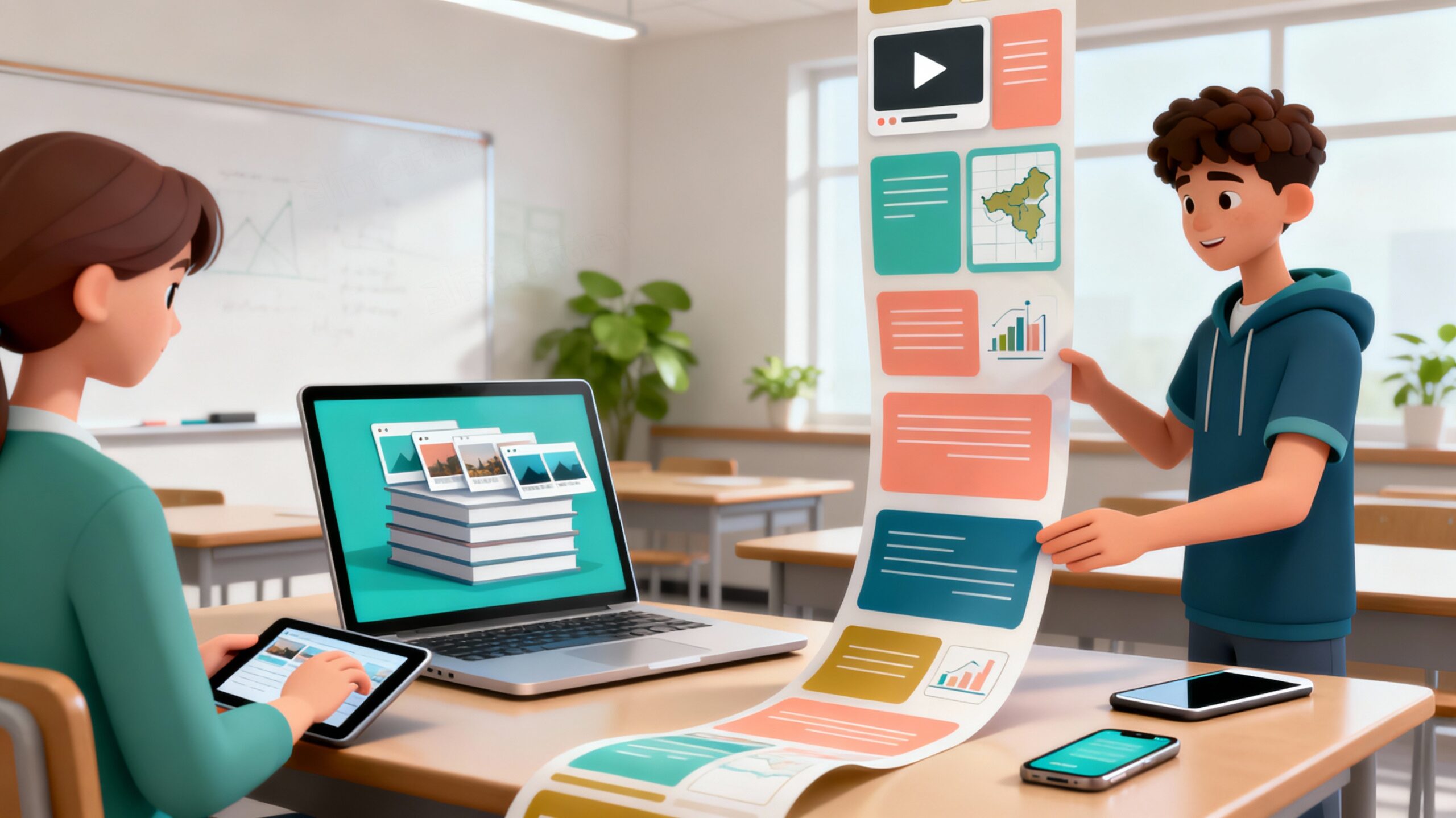
Every teacher has been there: you spend hours building a PowerPoint or Google Slides deck, carefully aligning text boxes, wrestling with images, and hoping your font choice feels “fresh.” Then, when you finally deliver it in class, your students look… less than thrilled. The truth is, static slides don’t always capture the energy of the classroom. They can make content feel flat when what we really want is curiosity, interaction, and flow.
That’s where Microsoft Sway comes in. Think of it not as another presentation tool, but as a storytelling platform. Instead of rigid slides, Sway allows you to design modern, scrollable, web-style stories. Imagine a unit launch that feels like exploring a dynamic webpage, or a history lesson that pulls students through text, images, and embedded video in a way that feels alive. That shift—from slide deck to story—is powerful. It’s the kind of tool that can reshape how students experience your content.
I know how overwhelming it can feel to try “one more tech tool.” But Sway isn’t about more work—it’s about shifting the work. Less formatting. Less frustration. More connection with students. And that’s worth every minute.
Why Sway Feels Different (and Better) in the Classroom
- Designed for storytelling: Content is broken into “cards,” so information flows naturally, chunked in ways that support comprehension and reduce overload.
- Instant polish: Built-in styles and layouts keep everything readable and visually consistent—no graphic design skills required.
- Mobile-friendly: Students can access your content anytime, anywhere. Perfect for flipped learning, homework support, or review before a test.
- Seamless sharing: Publish with a link and update it anytime—no more resending files or versions.
- Accessible by design: High-contrast themes, responsive layouts, and web-friendly text make it inclusive for more learners.
Why Storytelling Matters in Teaching
Educational research consistently shows that storytelling improves memory, comprehension, and engagement. Unlike fragmented slide decks, narratives provide a coherent structure that helps learners connect new information to prior knowledge. According to cognitive science, stories activate more areas of the brain than facts alone—stimulating emotional as well as logical processing. This means that when we frame lessons as stories, students are more likely to remember them and apply what they’ve learned.
Sway’s format naturally supports this storytelling approach. Its scrollable, media-rich design encourages a narrative arc rather than a static, linear march through bullet points.
A Teacher’s Take
Picture this: instead of opening a slideshow with 15 bullet-pointed slides on the Civil Rights Movement, a teacher creates a Sway that scrolls like a digital story. It begins with a striking photo, moves into short video clips of speeches, and weaves in guiding questions. Students don’t just sit and wait for the “next slide”—they explore, pause, and revisit sections that matter to them. It feels less like a lecture and more like a journey.
And yes—students can use it too. In classrooms where Sway has been introduced for student projects, middle schoolers have built portfolios that combine lab photos, embedded data charts, and video reflections. Parents access them with a simple link, and students are motivated by how professional their work looks. That kind of ownership is a bonus for classroom culture.
Why You’ll Love This Course
Now here’s the part that matters for us as busy teachers: you don’t have to spend weeks learning Sway. In fact, you can learn everything you need in just two hours with the Coursera guided project: Create Visually Engaging Presentations using Microsoft Sway.
Guided by instructor Archisha Bhar, you’ll:
- Build your first Sway from scratch—or import an existing file to transform it.
- Add content like text, headings, images, and video.
- Explore design customization and smart style suggestions that make your Sway look polished without extra effort.
- Share your finished Sway online, with the option to embed it in your LMS or parent newsletter.
The project is beginner-friendly, hands-on, and practical. You’ll learn alongside a split-screen video so you can see and do at the same time. And because it’s just two hours, you’ll finish with a classroom-ready presentation you can use immediately.
Classroom Ideas to Try This Week
- Launch a new unit with a scrollable mix of questions, media, and key vocabulary.
- Build student portfolios for conferences or digital showcases.
- Share lab reports or projects that integrate data, visuals, and reflections.
- Create parent newsletters that actually get read on phones.
Ready to Make the Shift?
If you’ve been searching for a way to ditch the static slide deck and create content that feels alive, this course is the fastest way to get there. Two hours is all it takes to unlock a tool that will change how your students—and their families—experience your lessons.
Enroll today in Create Visually Engaging Presentations using Microsoft Sway
Access is included with SchoolDay Academy, so you can get started right away.